Battery Usage
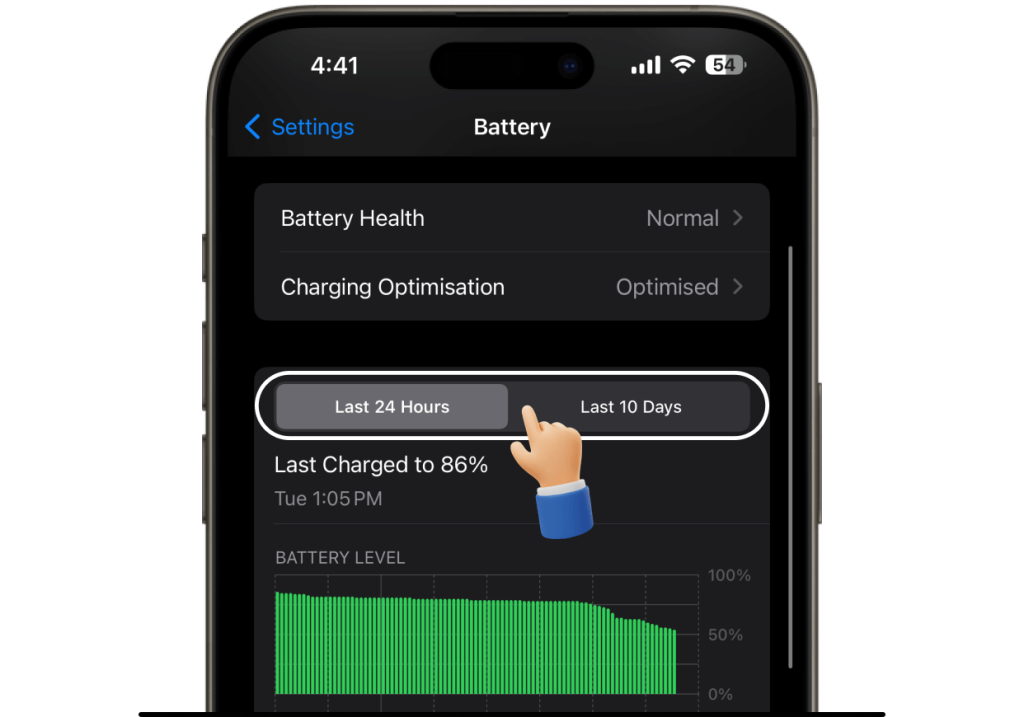
Check Battery Health to see how healthy your battery is. This section will show your battery’s maximum capacity and its performance capability. If you want to help your battery last longer, use Optimized Battery Charging, which is set to active by default.
Instructions:
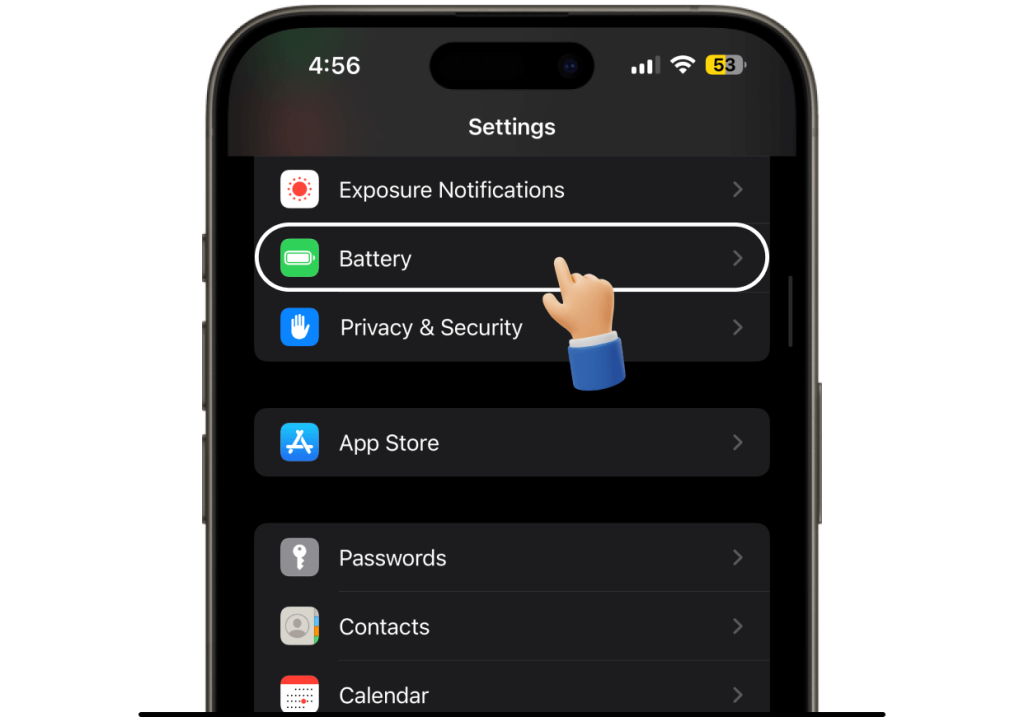
Go to Settings and tap Battery to check which apps are causing the most battery draining. Your apps are shown in descending order based on battery usage.Go to Settings and tap Battery to check which apps are causing the most battery draining. Your apps are shown in descending order based on battery usage.
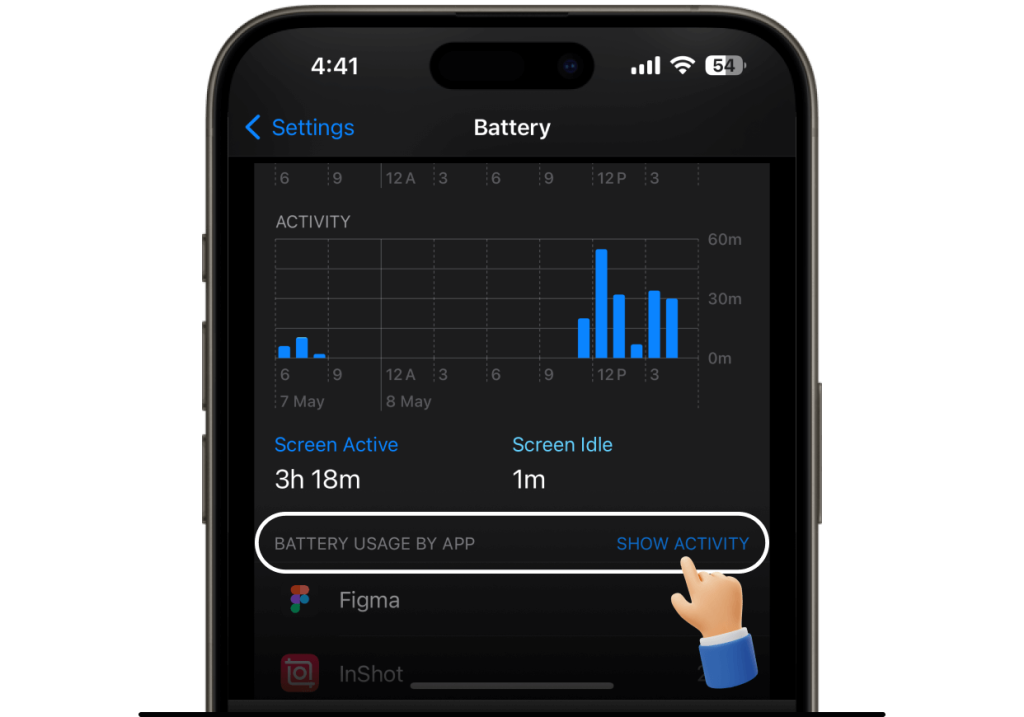
Tap Show Activity to see how much time you spend in each app or Show Battery Usage to discover how much battery power apps consume.
You can view records from the last 24 hours or 10 days. This data will help you identify the most power-draining apps and avoid using them while your battery charge is low.