Low Power Mode
You may use an effective iOS feature called Low Power Mode to extend the life of your battery. By turning off functions like automatic downloads, email fetching, and background app refresh, Low Power Mode conserves battery life. Low Power Mode, in contrast to Airplane Mode, doesn’t significantly impact your regular device usage—your cellular, Bluetooth, and Wi-Fi connections are still functional.
You often receive a default iOS notification suggesting that you switch to Low Power Mode when your battery falls below 20%. Again, you’ll receive an alert when your battery falls below 10%. If you select to activate Low Power Mode, it will be turned off automatically when your battery is 80% charged.
Instructions:
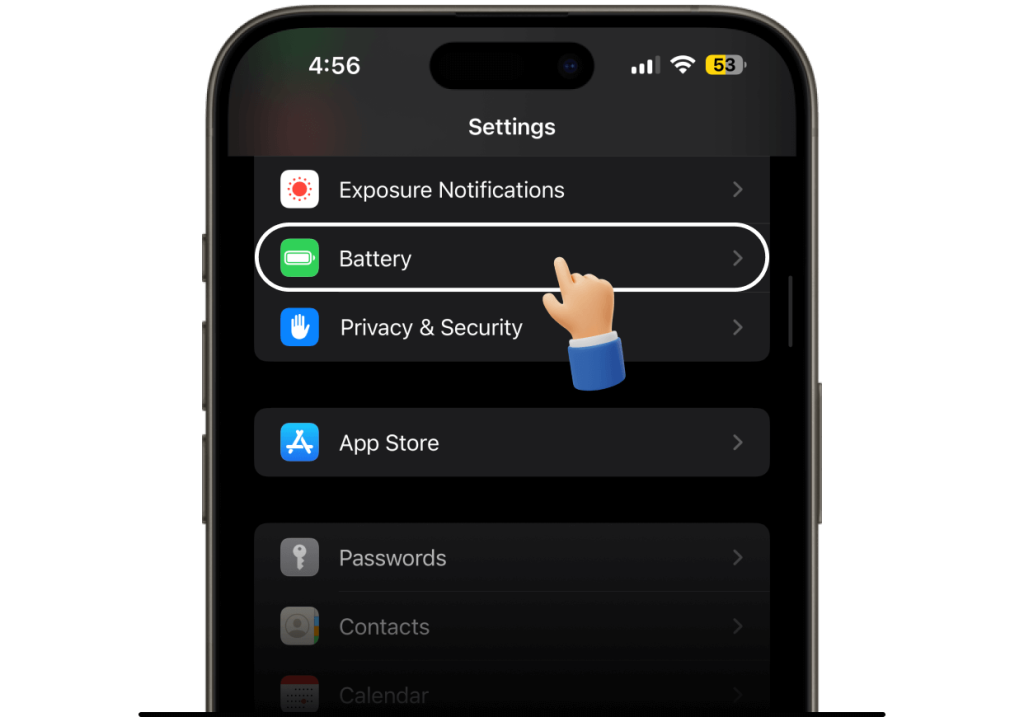
By going to Settings > Battery, you can manually enter the mode without having to wait for a notification.
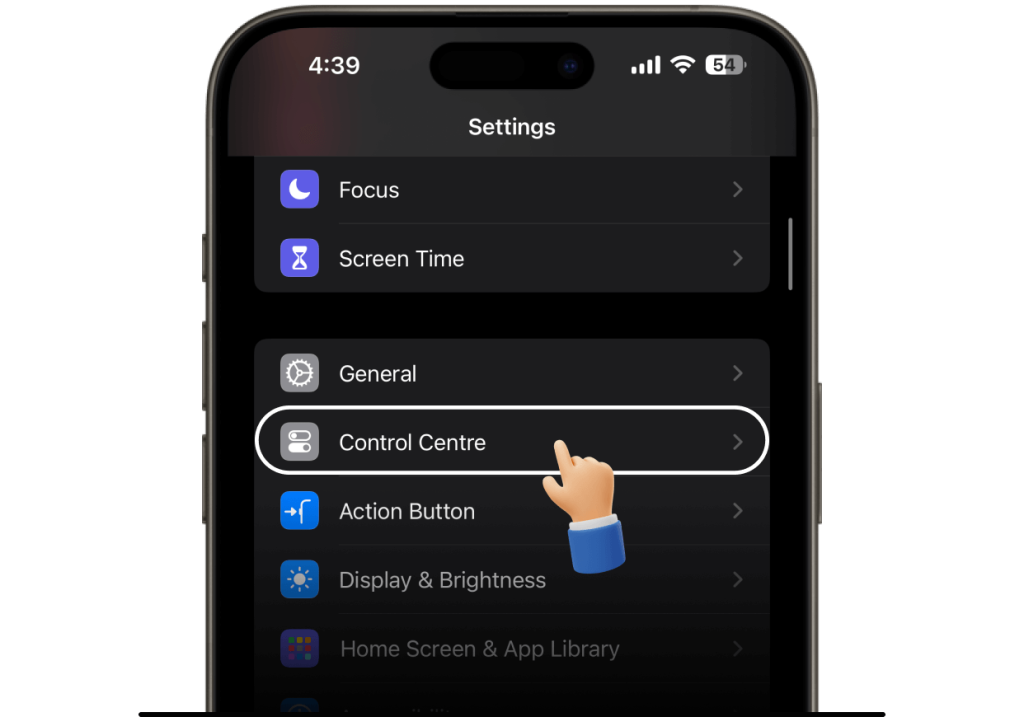
Include this function in the Control Center for quicker access go to Settings > Control Center and press “+” next to Low Power Mode.
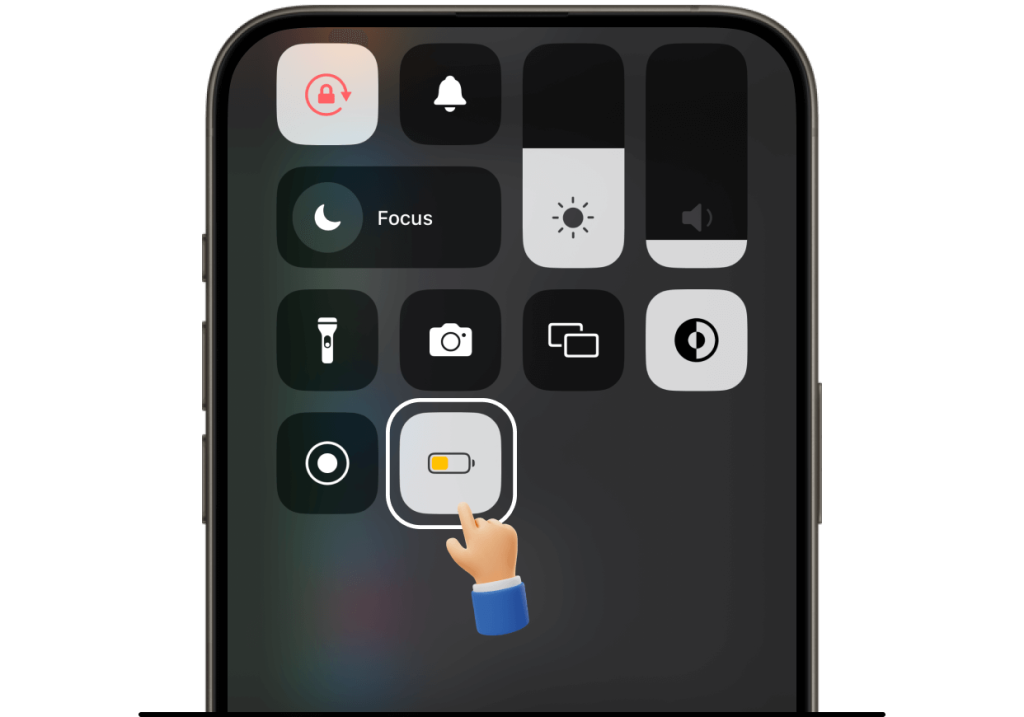
When the battery icon in the upper right corner of your screen becomes yellow, you’ll know that Low Power Mode is on.